Your to-do list, on your calendar.
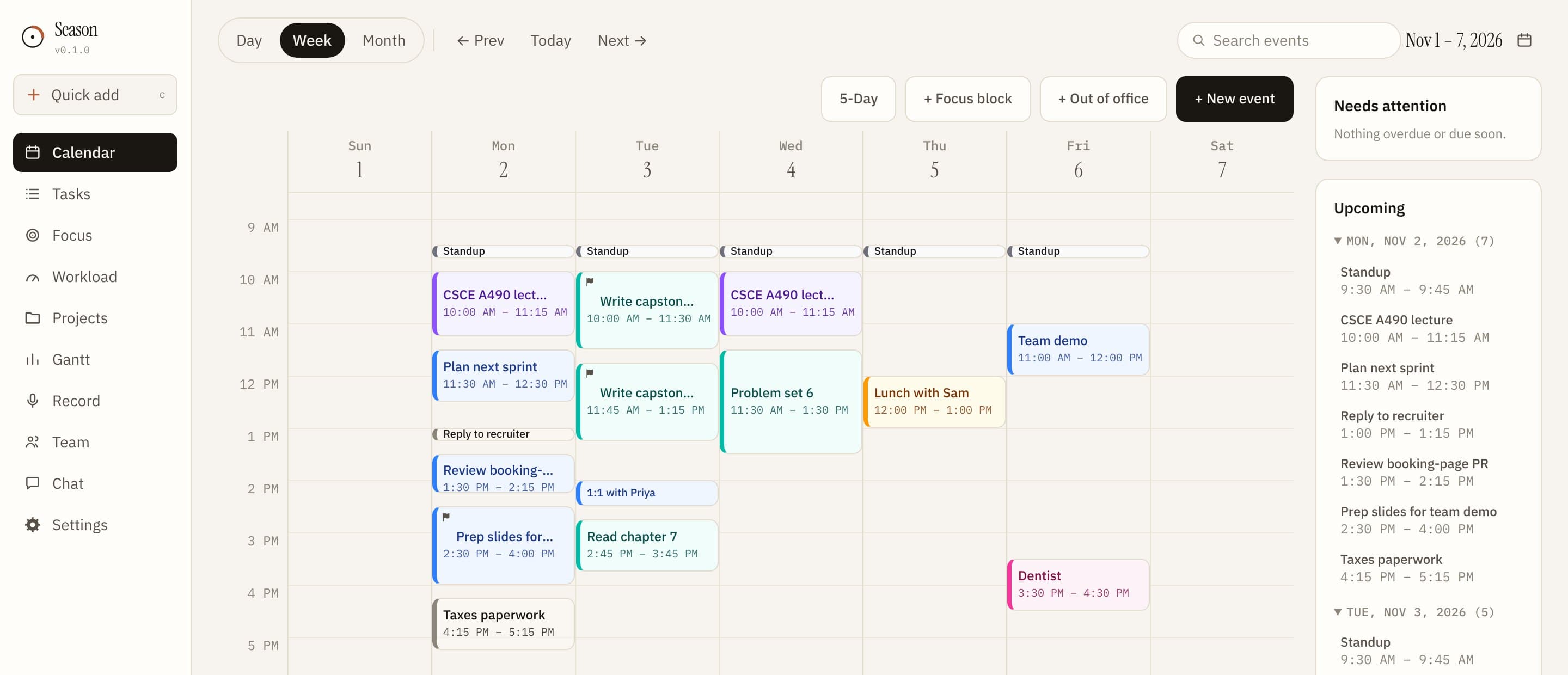
Season takes the things you need to get done and gives each one a time: between your meetings and classes, inside your working hours, before it's due. When your day changes, it moves them.
How it works
- 1
Write it down
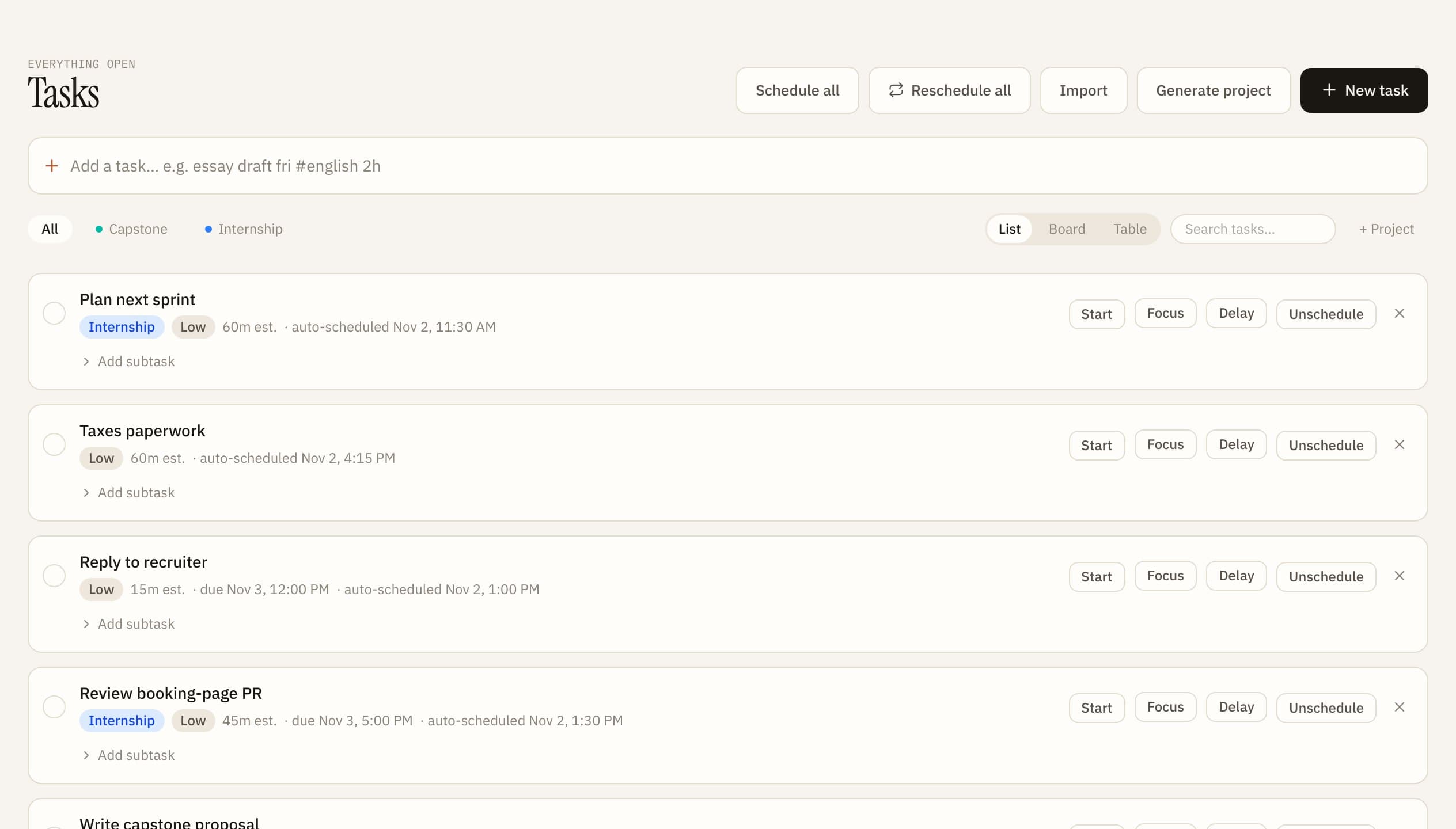
Type a task the way you'd say it. Season reads the day, time, length, priority and project out of the sentence.
- 2
Season finds the time
It books a block before the due date, in your working hours, with a gap after meetings. Long tasks get split into sessions.
- 3
The plan keeps up
Miss a block or add a meeting on top of one, and Season moves the work somewhere that still makes the deadline.
You type
essay draft fri 3pm 2h !! #english
Season reads
- Task
- essay draft
- Due
- Friday 3:00 PM
- Estimate
- 2h
- Priority
- High
- Project
- english
Scheduling
Deadlines first, and it tells you when something won't fit.
Every task has an estimate and, if you want, a due date. Season places the ones with the least room to spare first. If an urgent task can't fit, it moves less urgent work out of the way instead of letting the deadline slip.
- Hard and soft deadlines, priorities, and tasks that wait on other tasks
- Deep work in the morning and admin in the afternoon, if you mark tasks that way
- A warning on any task whose time ends up after its due date
- Lock a block and Season will never move it
Planning
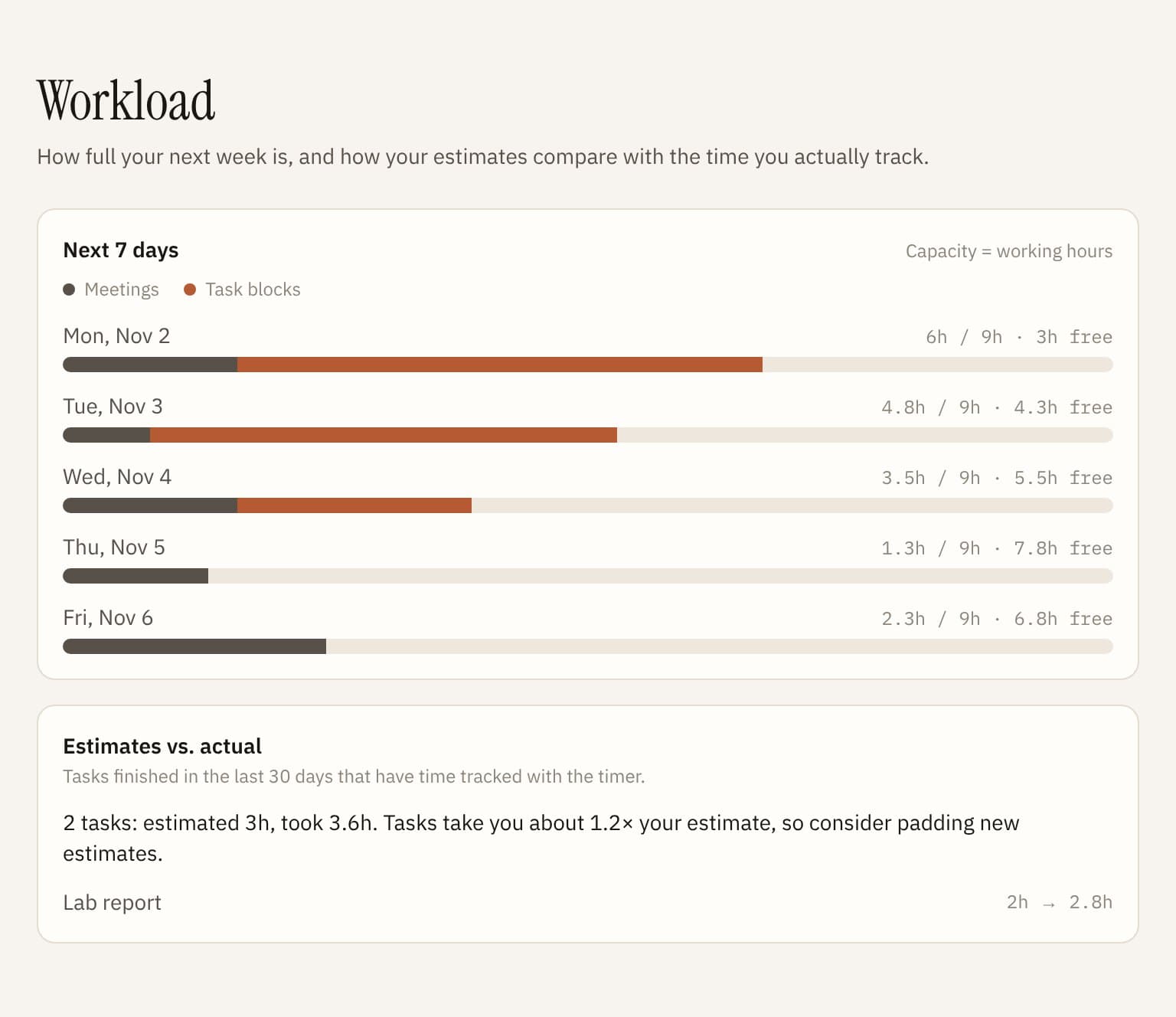
See an overbooked week before you're in it.
The workload view adds up each day's meetings and task time against the hours you have, and flags the days that don't add up. Set a daily cap and Season leaves the rest of the day open.
Time the work with the focus timer and Season shows how your estimates compare with how long things actually take.
Booking links
Let people book the time you actually have.
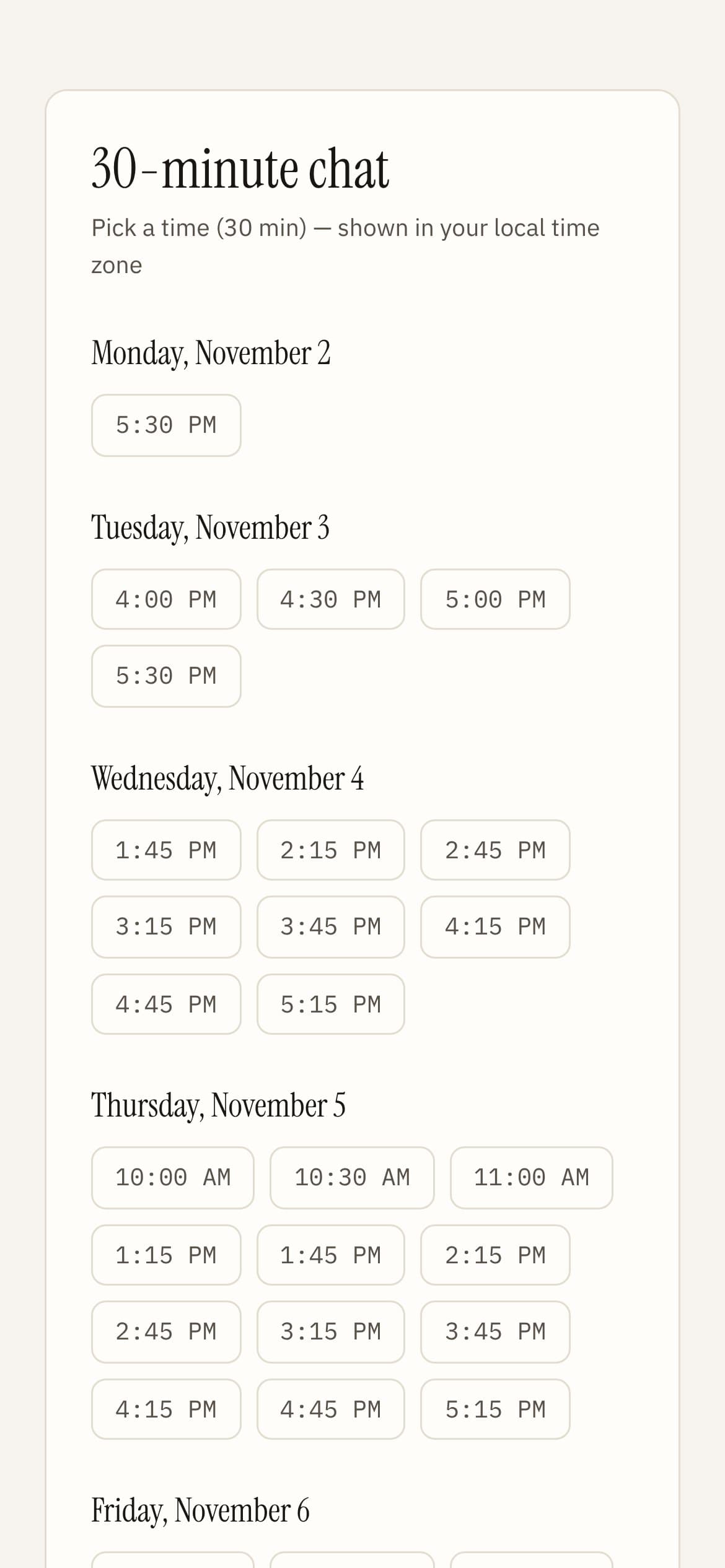
Share a link and people pick from times you're free, counting your meetings and the task time Season has planned. You choose the length, how much notice you need, how many bookings a day, and which days are off limits. Visitors see times in their own timezone.
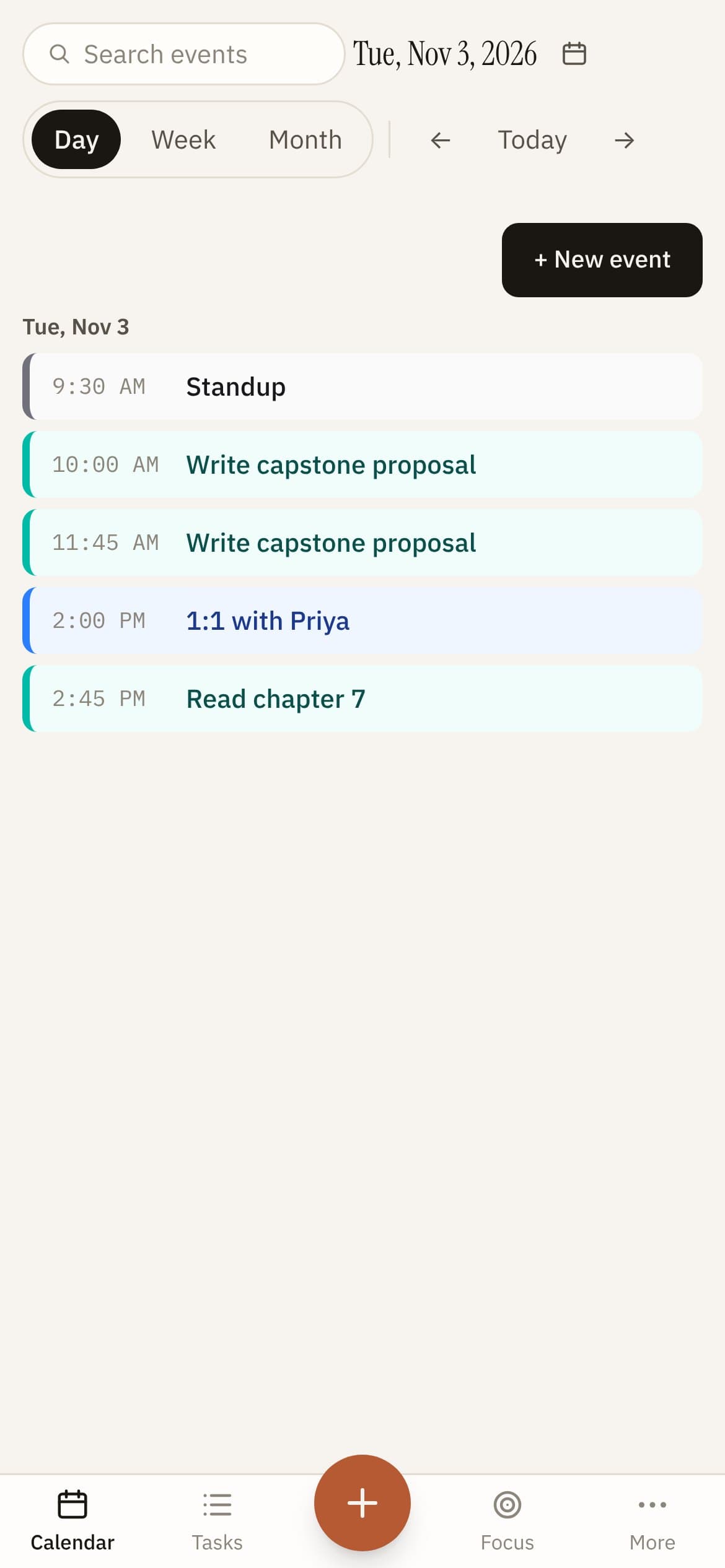
And on your phone, Season works as an installable app with the same calendar and reminders.
Google Calendar
Works with the calendar you already use.
Connect one or more Google accounts and Season syncs both ways. Your Google events block time for tasks, and what you plan in Season shows up in Google Calendar on every device. Apple Calendar and calendar feeds can be added read-only.
What Season does with your Google data
- Connecting Google is optional.
- Season reads events from the calendars you pick, to show them and plan around them.
- It creates and updates events in your Google Calendar only for things you add or change in Season.
- It doesn't sell your data, use it for ads, or use it to train AI models.
- Disconnect any time in Settings, and Season deletes what it imported.
The details are in the privacy policy.
Also in Season
- Focus
- Today's queue one task at a time, with a timer and an end-of-day review.
- Habits
- "Gym 3 times a week" gets its own slots, kept topped up.
- Projects
- Notes, files and a timeline for each project, with tracked time per week.
- Recordings
- Record a lecture or meeting and get a transcript, a summary and tasks from it.
- Claude
- Connect Claude through Season's MCP server to ask about or change your schedule.
- Shared calendars
- See a teammate's busy times, or their details if they share them.